
This guide is for anyone new to cryptocurrency. We break down the process step by step so you can follow it on your own, from setting up a wallet to earning and withdrawing your first coins.
When can you withdraw your first coins? It depends on the service you choose. Some platforms send payouts instantly, for example to your FaucetPay balance or a Lightning Network wallet. Others require you to reach a minimum balance before you can withdraw. Before you get started, check the available payout methods, the minimum withdrawal amount, and how long payouts take.
Step 1: Create a Microwallet
FaucetPay Microwallet
What is FaucetPay? FaucetPay is a service for receiving small payouts from crypto faucets and other platforms that support it. Some platforms pay as soon as you complete a task, while others pay on request or once you reach a minimum balance. When a platform sends a payout, it’s credited to your FaucetPay balance. From there, you can withdraw the funds to your personal crypto wallet.
How do you sign up?
Go to faucetpay.io, create an account, and follow the on-screen instructions.
How do you receive payouts from crypto faucets? Choose a faucet that supports FaucetPay and provide the payout details it asks for: your FaucetPay email address, username, or a linked crypto address. If the faucet requires a linked address, add it under Linked Addresses in FaucetPay. After completing the task, check your FaucetPay balance to see whether the reward has arrived.
How do you withdraw funds from FaucetPay? In the Withdraw section, select the cryptocurrency and network, enter the amount, and paste the receiving address from your personal wallet. Before confirming, check the minimum withdrawal amount and fee, and make sure the withdrawal network matches the receiving network.
Step 2: Using Crypto Websites
Crypto websites/faucets offer small cryptocurrency rewards for simple actions, such as completing a CAPTCHA, watching an ad, or clicking a button to claim a reward. Some sites let you claim rewards again after a set amount of time.
Payout rules vary by site. Some send rewards directly to a microwallet like FaucetPay. Others add rewards to your account balance and let you withdraw once you reach the minimum withdrawal amount.
Choose a cryptocurrency below to find crypto websites/faucets where you can claim your first reward in just a few minutes:
Step 3: Selling Internet Bandwidth for Crypto
Today, various apps for PCs and smartphones allow you to earn cryptocurrency by sharing part of your internet connection. This can be an accessible alternative to mining, as it does not require powerful computing equipment. The apps run in the background, so you can use your device for everyday tasks or leave it switched on. These apps do not require any additional energy consumption.
In this section, we have selected what we consider the best apps, from which we have successfully withdrawn funds on multiple occasions. We will explain how they work, which devices support them, how to receive payouts, and what to consider when using several apps on one device.
To improve your results, you can install several of the services featured here. Before running them simultaneously, check their availability in your region and their terms of use.
What Is Selling Unused Internet Bandwidth?
It means providing third-party clients with part of your internet connection’s capacity in exchange for payment. A dedicated app routes their network requests through your connection. To external websites, these requests appear to come from your public IP address. This approach is known as bandwidth sharing.
How it Works?
Let’s look at ByteLixir as an example. According to the service, its clients use these connections to compare prices, conduct market research, verify ads, and collect publicly available information from different regions.
After registering, users download the app from their account dashboard, install it, and sign in. While the app is running and there is demand for the connection, client traffic is routed through it, earning the user a reward. Usage statistics and the account balance are available in the app or on the website.
It is important to understand that payment is based on the bandwidth actually used. Earnings depend on regional demand, the type of connection, and how long the app runs. Simply staying connected does not guarantee earnings.
Which Devices Support the App?
ByteLixir offers apps for Windows desktops and laptops, as well as Android smartphones and tablets. iPhones and iPads are not supported. According to the service, connecting several devices through the same public IP address does not automatically increase earnings.
How to Receive a Payout
Withdrawals are requested through the app or the account dashboard. According to ByteLixir’s published terms, the minimum withdrawal amount is $5, and the available cryptocurrencies are listed in the payouts section. The stated processing time ranges from a few minutes to three days. Without verification, each payout is limited to a maximum of $50.
Energy Consumption and Device Use
ByteLixir states that the user’s own internet traffic takes priority and that the app automatically reduces its activity when the connection is being used for other tasks.
The exact additional energy consumption cannot be determined without measurements. To keep the app running in the background on Android, the service recommends disabling battery optimization for it. After installation, you should therefore check battery usage, device temperature, and connection speed. If you keep a computer switched on specifically to earn rewards, include electricity costs when assessing the results.
What You Should Know About Security
ByteLixir states that it does not access personal files, passwords, or browsing history, and that its network clients undergo verification. These are statements made by the service itself; I cannot independently confirm that the app is completely secure.
A separate risk involves third parties using your IP address. Masaryk University’s cybersecurity team warns about the potential misuse of applications of this kind. This warning concerns the proxyware category as a whole, rather than any proven misconduct by ByteLixir. Use only devices and connections you are authorized to use, check your internet provider’s terms, and do not ignore warnings from security software.
Best Apps for Selling Internet Bandwidth:
💰 Min. Payout: from 5 USDT
✅ 10% Ref Commission
✅ Since 2023
Earn: Earnings from selling Internet – traffic.
Cashout: Instant payments on BTC,
TON, ETH, LTC, USDT
💰 Min. Payout: from 20 USDT
✅ 10% Ref Commission
✅ Since 2025
Earn: Earnings from selling Internet – traffic.
Cashout: Payments on USDT (BEP20)
💰 Min. Payout: from 5 USDT
✅ 10% Ref Commission
✅ Since 2020
Earn: Earnings from selling Internet – traffic.
Cashout: Instant payments on BTC,
TON, ETH, LTC,TRX, USDT
💰 Min. Payout: from 5 USD
✅ 20% Ref Commission
✅ Since 2021
Earn: Earnings from selling Internet – traffic.
Cashout: Payments on Paypal
Advertising
💰 Min. Payout: from 5 USD
✅ 10% Ref Commission
✅ Since 2018
Earn: Earnings from selling Internet – traffic.
Cashout: Payments on BTC, PayPal, VISA
💰 Min. Payout: from 0.05 USDT
✅ 20% Ref Commission
✅ Since 2024
Earn: Extension for monetizing internet
activity in the browser.
Cashout: Instant payments on USDT, MATIC
💰 Min. Payout: from 0.01 USDT
✅ 10% Ref Commission
✅ Since 2025
Earn: Extension for monetizing internet
activity in the browser..
Cashout: Payments on BTC (Lightning), PayPal
Step 4: Home PC Mining for Beginners
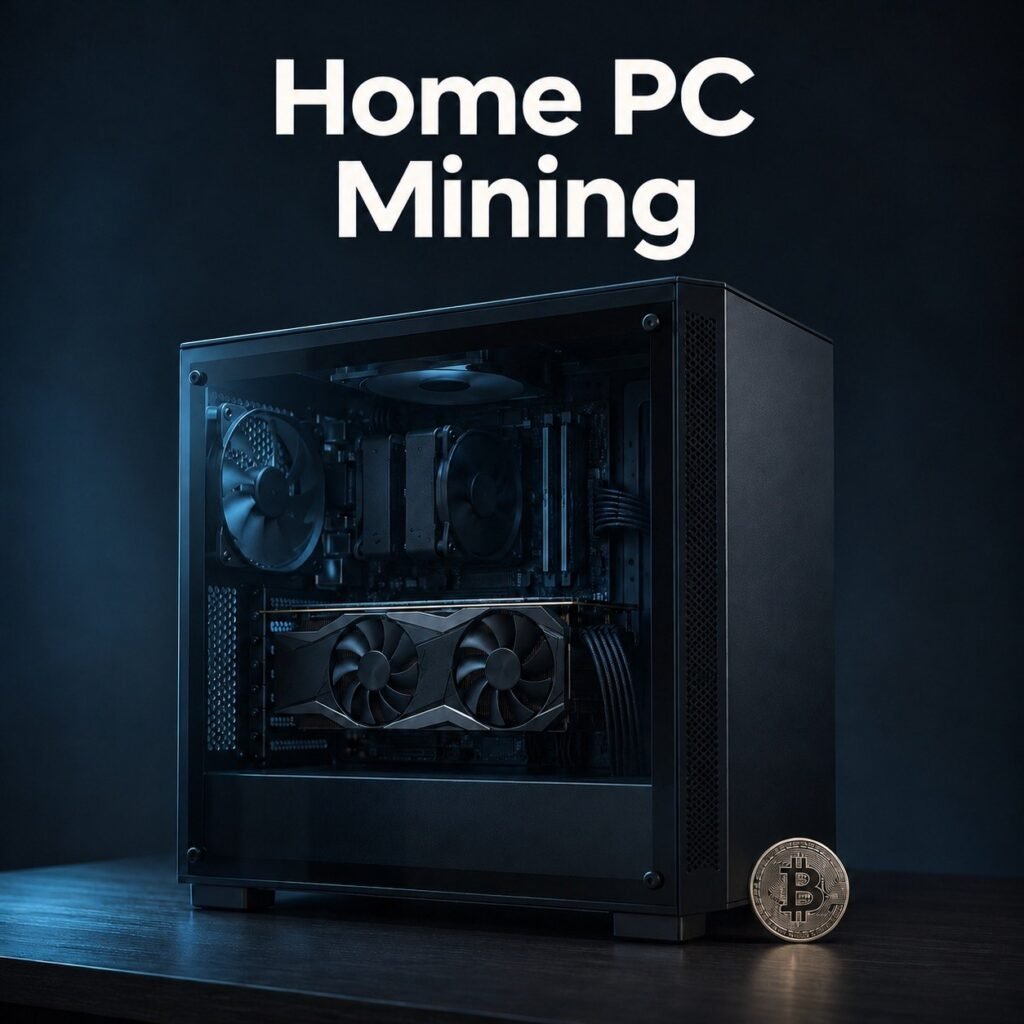
If you want to try crypto mining at home, start with the computer you already have. Two Windows apps are suitable for getting started: unMiner by unMineable and Kryptex Miner. In this guide, we’ll use unMiner to show you how to start mining, estimate your rewards, and choose a cryptocurrency for your first payout.
How Miner Works
Your computer uses its processor or graphics card to perform mining calculations, and unMineable converts the rewards into the cryptocurrency you choose. For example, your processor can mine XMR using the RandomX algorithm while unMineable credits your balance in BONK. PEPE is also available as a payout option. The platform lists more than 80 assets in which you can receive rewards. According to unMineable’s support documentation, the platform fee is 1%.
How to Start Mining on a Home PC
- Download unMiner from the official unMineable website and sign in with your email address. The app is available for 64-bit versions of Windows 10 and 11.
- For your first test, use one component: either your processor or a dedicated graphics card. If you’re mining with your processor, try RandomX. If you’re using a graphics card, choose an algorithm based on the card model and the amount of video memory it has.
- Choose your payout currency and enter a wallet address on the correct network. For example, unMineable sends BONK over Solana and PEPE over Ethereum. Your wallet or exchange must support both the token and the network used for the transfer.
- Run a short test. Check whether rewards are being credited, note your hashrate—the speed at which your computer performs mining calculations—and monitor your PC’s temperature, noise, and power consumption under load.
How Much Can You Earn per Hour and per Day?
There’s no fixed earning rate for a home PC. To get an estimate, enter your hashrate in the unMineable calculator and select your mining algorithm and payout currency. The calculator uses the pool’s performance over the previous 24 hours and assumes uninterrupted operation. Actual rewards may differ.
For example, if the calculator estimates 6,000 BONK per 24 hours, that works out to an average of 250 BONK per hour. Running your PC for eight hours a day would yield about 2,000 BONK per day. At that rate, you would reach the 15,000 BONK payout threshold around day eight. This is an example calculation, not a forecast for a specific computer.
To estimate whether mining is profitable, convert your rewards into your local currency and subtract electricity costs. For example, if your PC draws 150 watts at the wall and you run it for eight hours specifically for mining, it will use 1.2 kWh. At an illustrative rate of $0.25 per kWh, that costs $0.30 per day.
Automatic and Manual Payouts: Are Withdrawals Instant?
On unMineable, you can enable automatic payouts or request them manually. With automatic payouts enabled, the platform sends eligible BONK and PEPE payouts once a day after your balance reaches the minimum threshold. In manual mode, you submit the payout request yourself once you meet the threshold and any other withdrawal requirements.
A manual request does not guarantee instant delivery. The transaction needs to be confirmed on the network, and an exchange may take additional time to credit your account. Once the payout has been sent, you can check its status using the transaction ID.
Which Wallet Can You Use for Payouts?
FaucetPay, the microwallet we covered earlier, can be a convenient option if it supports the asset and network you’ve selected on unMineable. For example, to receive SOL over the Solana network, open Wallet → SOL → Deposit in FaucetPay, copy your deposit address, and enter it in your unMineable payout settings. Before requesting a payout, check that the network matches and the amount meets FaucetPay’s minimum deposit requirement.
If FaucetPay doesn’t list your chosen token or network under Deposit, use another crypto wallet that supports the exact combination—for example, PEPE on Ethereum (ERC-20) or BONK on Solana. Support for a network alone does not mean the wallet will credit every token on it.
Which Should You Choose for Your First Payout: PEPE or BONK?
| Token | Payout Network | Minimum Payout |
|---|---|---|
| BONK | Solana | 15,000 BONK |
| PEPE | Ethereum (ERC-20) | 2,500,000 PEPE |
If your goal is to test your first payout as soon as possible, compare both tokens in the calculator using the same mining algorithm and hashrate. For each token, divide the minimum payout by the estimated rewards for the number of hours you plan to mine each day. This gives you an estimate of how many days your PC would take to reach each threshold. The number of tokens alone tells you little: PEPE and BONK have different prices, and both can fluctuate significantly.