
This page provides a step-by-step guide to help you buy BTC4U Token quickly and securely, even if you have no previous experience with cryptocurrency. 📈
Here you will learn about:
• You’ll learn how to set up your crypto wallet, fund it with SOL, find the official BTC4U page, and purchase the token directly from your wallet.
Follow each step carefully and always verify the official BTC4U token address before making a transaction.
STEP ONE:
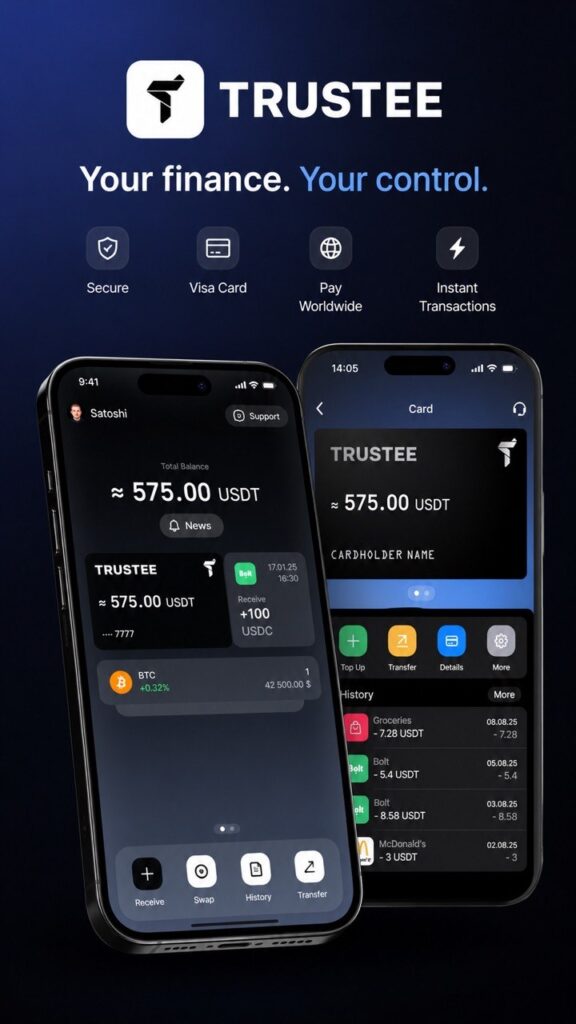
📱 Here we review the crypto wallets required for the next stages of working with BTC4U and cryptocurrency.
👛 The first one is Trustee Plus.
This is the main wallet for all cryptocurrency transactions without intermediaries or centralized exchanges.
💳 Another major advantage is the built-in Visa card, which allows you to convert your earned cryptocurrency into USDT.
🌍 After that, you can pay for purchases worldwide using Apple Pay and Google Pay.
⚡️ This means the wallet can be used not only for storing cryptocurrency, but also for fast everyday payments.
📘How to open a Trustee Plus wallet + Visa card —
see this guide:
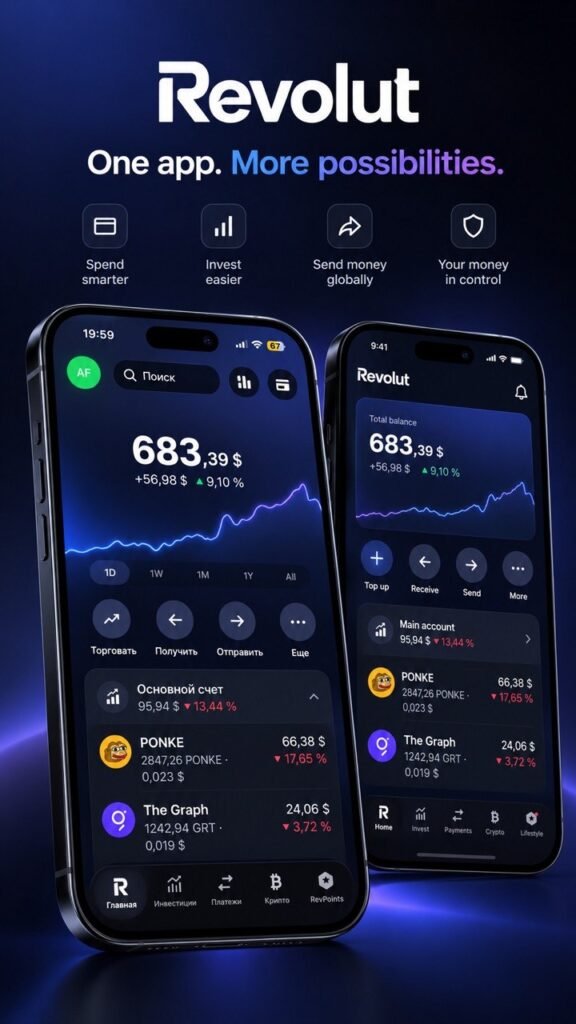
REVOLUT — FINANCE AND CRYPTO IN ONE APP
Revolut brings everyday payments, banking cards, and cryptocurrency features together in one app. It is a convenient option for beginners, as most essential operations can be managed directly from a smartphone.
💳 Revolut Card
After signing up, you can use a virtual Revolut card or a physical card available with your plan for everyday purchases. Revolut cards can be added to Apple Pay or Google Pay. The app also makes it easy to manage your spending, transfers, and account balance.
₿ Buying and Selling Crypto
In the Crypto section, you can buy and sell supported cryptocurrencies directly using funds from your Revolut balance. Bitcoin, Ethereum, Solana, and many other crypto assets are available. You can also set up purchases at a specific price or schedule recurring automatic purchases.
🔐 Storing and Transferring Crypto
Cryptocurrency purchased through Revolut is displayed directly in your crypto balance. For supported cryptocurrencies and networks, Revolut also allows you to transfer crypto to an external wallet. Availability depends on the specific asset, plan, and region.
📈 Crypto Staking
Certain cryptocurrencies can be staked directly through Revolut, allowing you to earn network staking rewards. For users in the Czech Republic, supported assets currently include ETH, SOL, ADA, DOT, ATOM, TON, and others. Staking rewards are not guaranteed, and some networks may have waiting periods when unstaking your assets.
💰 Paying with Crypto
Revolut also offers a virtual crypto card. When you make a payment, your selected cryptocurrency is automatically converted into the currency required for the purchase. The card can be added to Apple Pay or Google Pay. Availability and specific terms should be checked directly in the Revolut app.
The key advantage of Revolut: your everyday money, cards, payments, and essential cryptocurrency tools are available within a single app — without the need to use a separate service for every transaction.
📘Official Revolut Website:
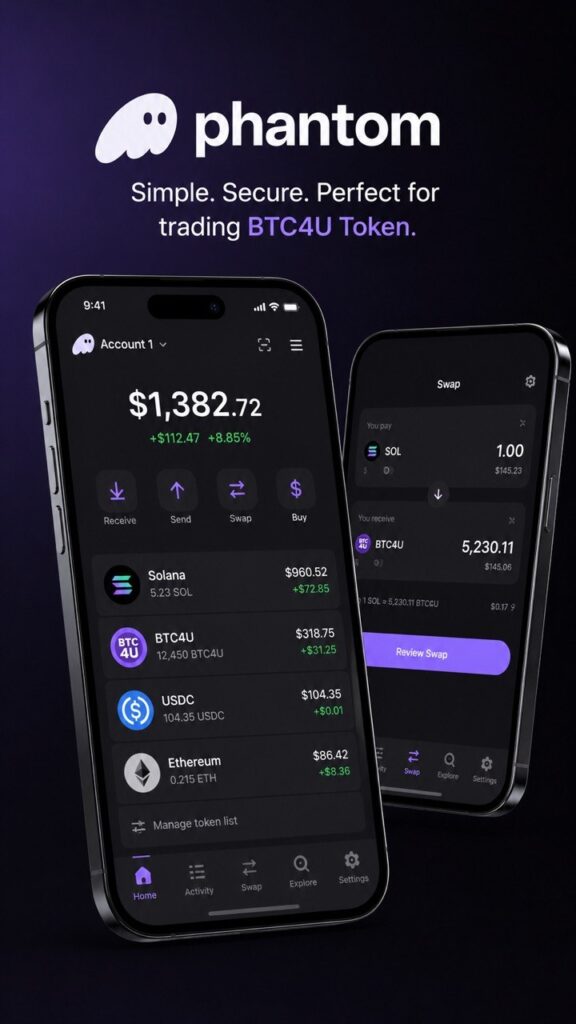
🔐 The next important step is installing the Phantom Wallet, which is идеально suited for trading BTC4U Token, storing tokens, and working with Web3 applications.
📱 Phantom can be installed both on a smartphone and in a browser on your computer.
💻 Installing Phantom in a browser:
• Go to the official Phantom website
• Install the extension for Chrome, Brave, Edge, or Firefox
• Create a new wallet
• Save your Secret Recovery Phrase in a secure place
• Confirm wallet creation and complete the setup
📲 Installing Phantom on a smartphone:
• Download the Phantom app from the App Store or Google Play
• Open the app and create a new wallet
• Make sure to securely save your Secret Recovery Phrase
• Complete the activation process and access your crypto wallet
🪙 After installation, Phantom Wallet will be ready for buying, storing, and trading BTC4U Token directly from your personal wallet.
🌐 Official Phantom Website:
STEP TWO — Funding Your Balance:
To start working with the BTC4U Token, you need to fund your Phantom Wallet.
You can add funds using a bank card via Google Pay or Apple Pay, or by transferring cryptocurrency from your Trustee Plus or Revolut wallet.
Your balance should be held in Solana (SOL), as SOL is required to purchase and trade the BTC4U Token. To get started, approximately 0.3 SOL should be sufficient.
⚠️ Important: the funds must be stored in your Phantom Wallet, as all further BTC4U Token transactions will be performed through it.
STEP THREE — Sign Up on Pump.fun:
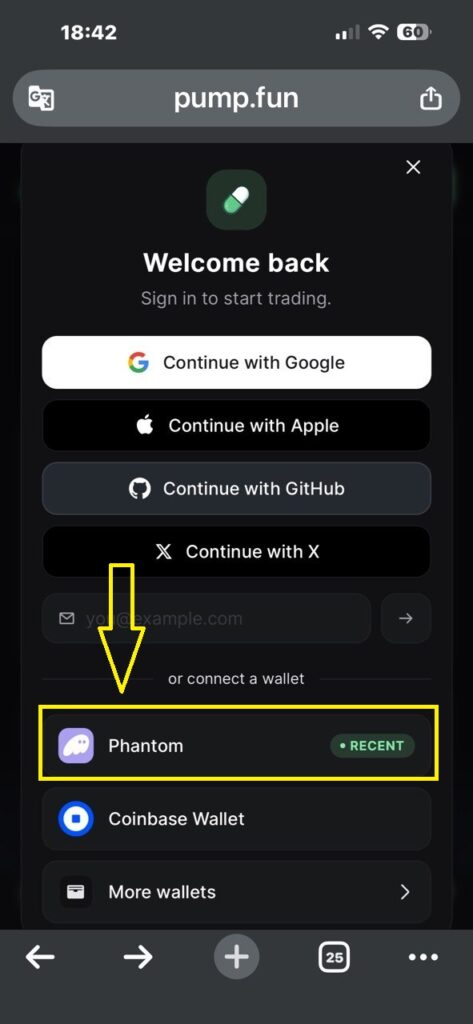
To start working with BTC4U Token, you need to connect and authorize your Phantom Wallet on the Pump.fun platform.
1️⃣ Open the Pump.fun Website
Go to the official website:
2️⃣ Click the “Sign In” Button
In the top right corner of the website, click the Sign In button.3️⃣ Select Phantom
After clicking, a wallet connection window will appear.
Choose Phantom Wallet.
4️⃣ Confirm the Connection
A Phantom Wallet popup window will open.
Click Connect.
5️⃣ Confirm Authorization
After connecting, the website may ask you to confirm the login request.
Click Confirm.
6️⃣ Done
Your Phantom Wallet is now connected to Pump.fun, and you can buy, sell, and track BTC4U Token directly through your wallet.
⚠️ Important: always verify the website address before connecting your wallet and never confirm unknown requests.
🌐 Official Pump.fun Website:
STEP FOUR — Buying BTC4U Token:
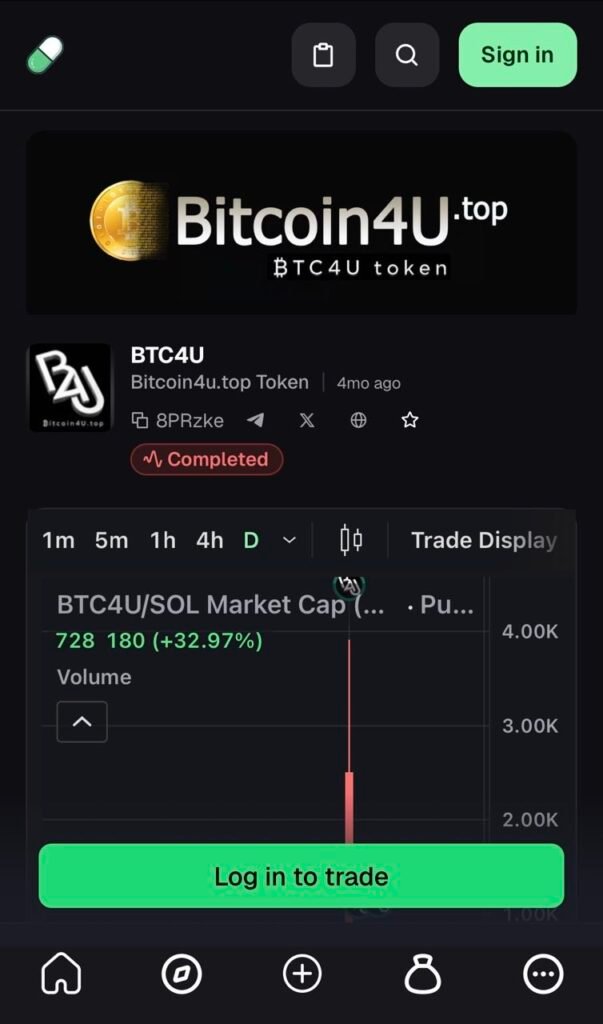
1️⃣ Open the Official BTC4U Token Page
Go to the official BTC4U Token page and click “Log in to trade.” Sign in by connecting your Phantom Wallet.
2️⃣ Proceed to Buy BTC4U
Once you are logged in, open the “Trade” section and select BTC4U Token.
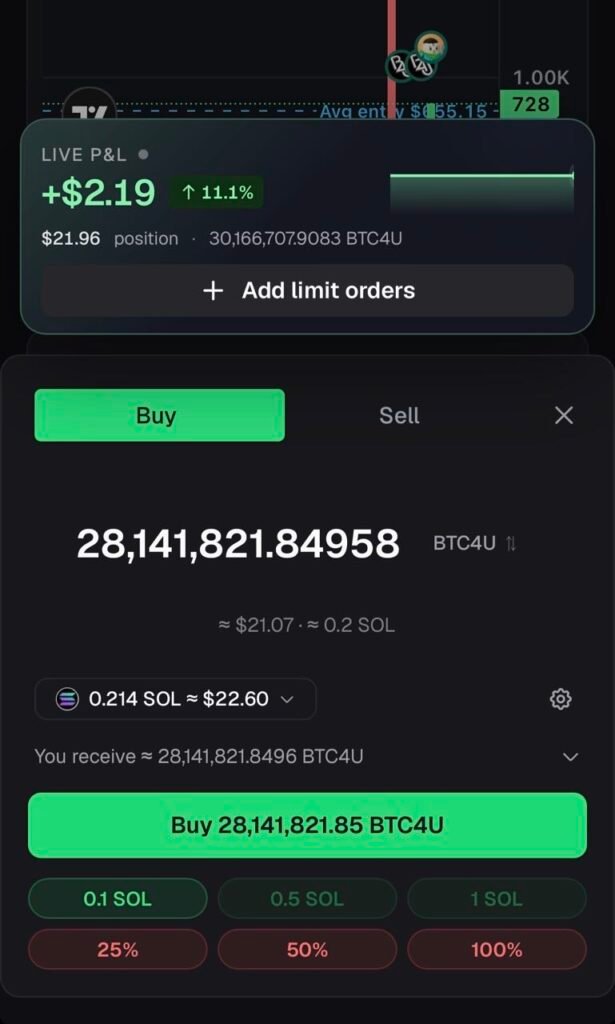
3️⃣ Enter the Purchase Amount
Enter the amount of SOL you want to use for the purchase or specify the amount of BTC4U Tokens you want to buy. Carefully review the transaction details before proceeding.
4️⃣ Confirm Your Purchase
Click “Buy” and confirm the transaction in your Phantom Wallet. Once the transaction is successfully completed, your purchased BTC4U Tokens will be associated with your wallet.
Important: Before making any purchase, always verify the token contract address and make sure you are using the official BTC4U Token page.
STEP FIVE — SUBSCRIPTIONS:
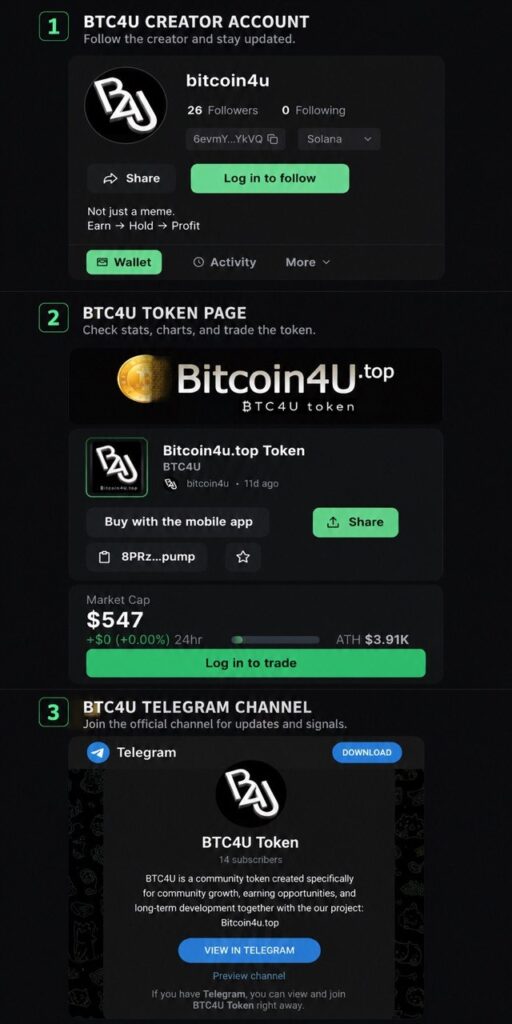
To fully work with BTC4U Token, receive trading signals, and access all important updates, it is recommended to subscribe to the main project resources.
1️⃣ BTC4U Token Creator Account
🌐 Subscribe Now
Here you can:
• view the admin’s public statistics
• track the number of created tokens
• monitor project activity and transactions
• contact the administration regarding any BTC4U Token related questions
This account serves as the main source of communication with the project administration and provides open information about the token.
2️⃣ Official BTC4U Token Page:
🌐 Subscribe Now
This is where you will find the main information about the token:
• token statistics
• price charts and market movement
• liquidity information
• trading activity
• market capitalization data
• BTC4U Token buying and selling
All major trading actions are performed through this page.
3️⃣ BTC4U Telegram Channel — the most important part of the system
🌐 Subscribe Now
The Telegram channel contains:
• all important project updates
• news and announcements
• market analytics
• arbitrage trading signals
• token buy and sell recommendations
• liquidity movement and community activity updates
The Telegram channel also provides direct communication with the administration and other BTC4U community members.
✅ After subscribing to all major resources, you will receive full access to the BTC4U ecosystem and the next stages of working with the token.