

Invite new members to the BTC4U community, earn Reward Points for Active Referrals, and claim your accumulated rewards in BTC4U Token directly to your Phantom Wallet.
You can participate in the BTC4U Affiliate Program in two ways: without investing your own funds by inviting new users, or by building your own referral structure using your own wallets.
1. No Investment — Invite New Users.
You do not need to purchase BTC4U Token or invest your own funds to participate.
Create your BTC4U Account, receive your personal referral link, and start inviting new users.
For each referred user who, after their connected wallet is verified by the system, funds their wallet with at least 5,000,000 BTC4U, you receive:
1 Active Referral = 1 Reward Point
1 Reward Point = 1 USDT Reward Value
2. No Invitations — Use Your Own Wallets
If you prefer not to invite other users, you can participate in the program independently.
Create additional Phantom Wallets, register them through your personal referral link, and purchase at least 5,000,000 BTC4U for each wallet.
After the system verifies the connected wallet and confirms the required balance, the account receives Active Referral status, and your main BTC4U Account is credited with:
+1 Reward Point
Important: No Rewards for Empty Accounts
If a connected wallet does not hold the required amount of BTC4U Token, the account remains an Inactive Referral.
A Reward Point is credited only after the system verifies the connected wallet and confirms a balance of at least 5,000,000 BTC4U.
Therefore, creating empty accounts or registrations that do not meet the BTC4U balance requirement does not increase your Reward Points and does not generate any reward.
BTC4U Affiliate Program Guide
No registration. No personal data. No password.
Connect Phantom → Verify Your Wallet → Get Your BTC4U Account.
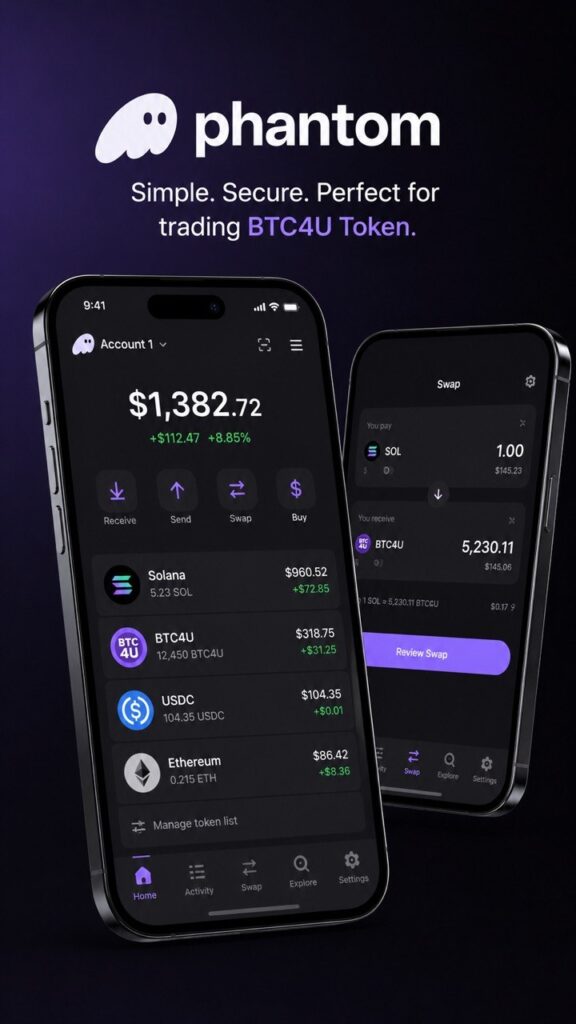
1. Install Phantom Wallet
Create a new wallet or sign in to an existing one. You can set up your Phantom Wallet using your Google or Apple account, or create a wallet using a Secret Recovery Phrase
💻 Installing Phantom in a browser:
• Go to the official Phantom website
• Install the extension for Chrome, Brave, Edge, or Firefox
• Create a new wallet
• Save your Secret Recovery Phrase in a secure place
• Confirm wallet creation and complete the setup
📲 Installing Phantom on a smartphone:
• Download the Phantom app from the App Store or Google Play
• Open the app and create a new wallet
• Make sure to securely save your Secret Recovery Phrase
• Complete the activation process and access your crypto wallet
🪙 After installation, Phantom Wallet will be ready for buying, storing, and trading BTC4U Token directly from your personal wallet.
🌐 Official Phantom Website:
2. Fund Your Phantom Wallet with SOL — Recommended
For future transactions with BTC4U Token, we recommend keeping a small amount of SOL (Solana) in your Phantom Wallet.
SOL is used to pay network transaction fees on the Solana blockchain.
You can skip this step if you want to participate in the Affiliate Program without investing your own funds and do not plan to make BTC4U Token transactions yet.
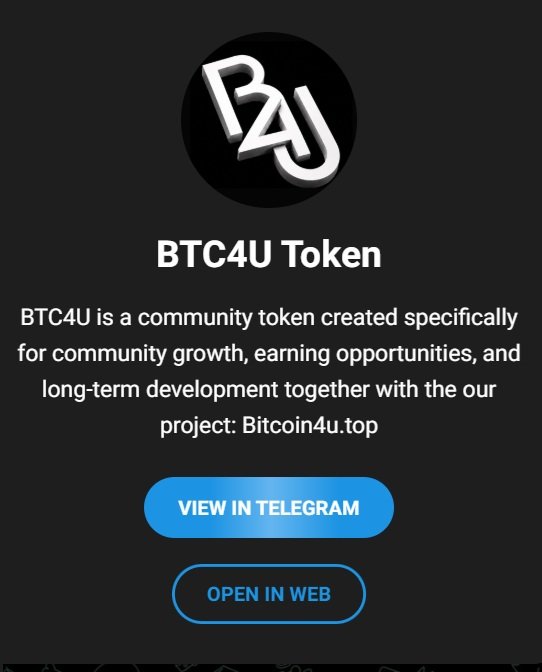
3. Join the Official BTC4U Token Channel
The channel provides the latest information about BTC4U Token, project news, announcements, and important updates.
Channel membership will also be required when you submit a Reward Claim. The BTC4U Rewards Bot verifies your channel membership before allowing you to confirm a reward claim.
4. Create Your BTC4U Account
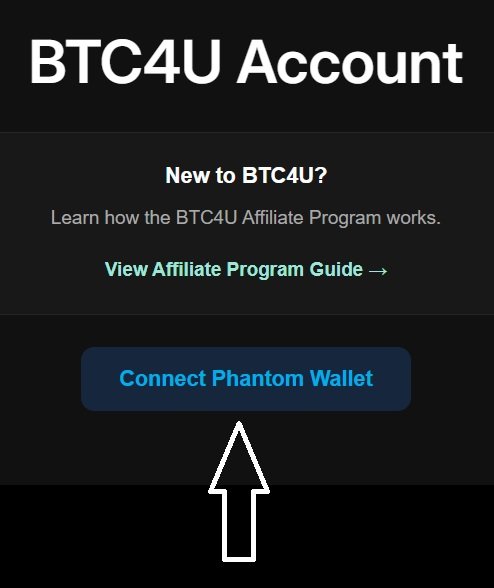
Go to Affiliate Program → BTC4U Account and click:
Connect Phantom
Select your Phantom Wallet and approve the connection.
Phantom will then ask you to Sign Message. Confirm the request in your wallet.
This signature allows the BTC4U system to verify that you control the connected wallet address.
After successful verification, the system automatically creates your BTC4U Account.
No separate registration is required. You do not need to provide your name, email address, password, or other personal information.
Whenever you want to access your BTC4U Account, simply follow:
Connect Phantom → Sign Message → BTC4U Account
If your wallet has already been registered, the system will automatically open your existing BTC4U Account instead of creating a new one.
Important for mobile users: When connecting from a smartphone, use Phantom’s supported wallet connection flow to open and connect to the BTC4U website.
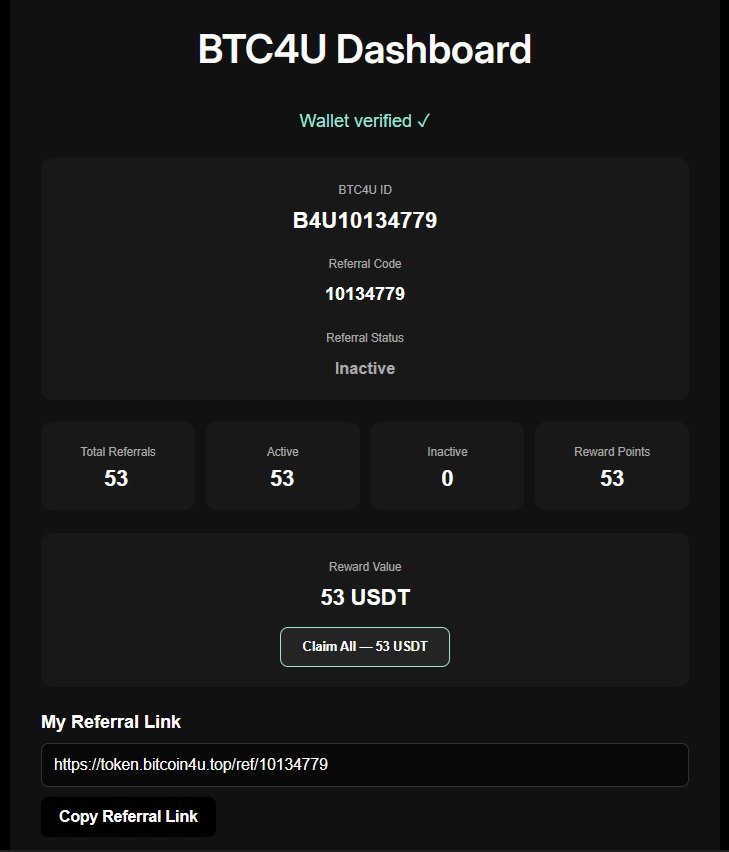
5. BTC4U Account Interface
After connecting your Phantom Wallet, your personal BTC4U Dashboard will open.
It contains the following information:
BTC4U ID -Your unique internal BTC4U account identifier.
Example: B4U10134779
Referral Code — Your unique referral code.
Example: 10134779
Referral Link — Your personal link for inviting new participants to the BTC4U Affiliate Program.
Click: Copy Referral Link to copy and share it.
Referral Status — Shows your account status within the referral system:
Inactive — the required conditions have not yet been met.
Active — the system has verified the connected wallet and confirmed that the required BTC4U balance condition has been met.
Total Referrals — The total number of accounts registered through your personal Referral Link.
Active — The number of your referrals whose connected wallets have been verified by the system and have a balance of at least:
5,000,000 BTC4U
Inactive — The number of registered referrals that have not yet met the required BTC4U balance condition.
Reward Points — The total number of Reward Points you have earned from your Active Referrals.
Reward Value — The current value of your accumulated rewards:
1 Reward Point = 1 USDT Reward Value
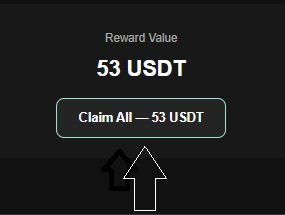
Once you accumulate at least 50 Reward Points, the Claim button becomes available:
Claim All — XX USDT
6. How to Claim Your Rewards
Once you have accumulated at least 50 Reward Points, you can submit a Reward Claim.
Step 1 — Click Claim All
In your BTC4U Account, click:
Claim All — XX USDT
For example:
53 Reward Points → Claim All — 53 USDT
The Claim All option submits your entire available Reward Points balance for payment.
Step 2 — Open BTC4U Rewards Bot
After clicking Claim All, you will be redirected to the official BTC4U Rewards Bot on Telegram.
The bot will verify that you are a member of the official BTC4U Token Telegram Channel.
Step 3 — Review Your Reward Claim
After successful verification, the bot will display your Claim details:
Reward Value: 53 USDT
Payment: BTC4U Token
Claim Method: Claim All
Your reward is paid in BTC4U Token. The amount of BTC4U is determined based on your Reward Value and the current BTC4U price at the time the payment is processed.
Step 4 — Confirm Your Claim
Click: Confirm Claim
After confirmation, the Reward Points included in the Claim are reserved and your request receives the status:
Claim Pending — XX USDT
While your Claim is pending, the Reward Points reserved for that Claim cannot be claimed again.
Step 5 — Receive Your BTC4U Token
Once your Reward Claim has been processed, the reward is sent in BTC4U Token directly to the Solana address of the Phantom Wallet connected to your BTC4U Account.
After the payment has been completed, the BTC4U Rewards Bot will send you a notification:
BTC4U Reward Paid
The Reward Points included in the completed Claim are then deducted from your BTC4U Account balance.
Ready to Earn with BTC4U Token?
Join the BTC4U Affiliate Program, grow your referral network, earn Reward Points, and receive your rewards in BTC4U Token.
Useful Links: