
Bitcoin mining on a home PC or laptop
After numerous tests and checks, we have chosen two applications for mining cryptocurrencies. These programs are perfect for both experienced users and beginners. These programs can be used on ASICs, mining rigs, gaming laptops and home PCs.
Mineable app
HIT!
Launch the application: mineable and mine crypto fully automatically!
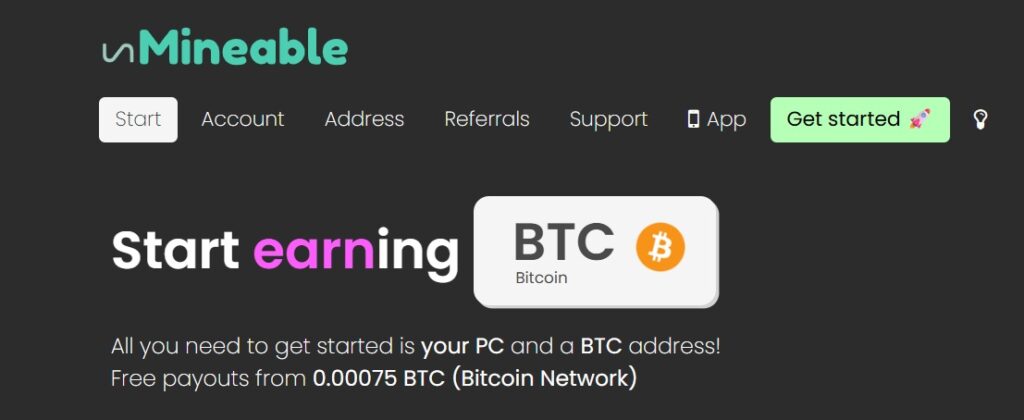
INSTRUCTIONS:
Unmineable is a fast and lightweight portable application with mining functionality on a video card or processor. When using the service, the Monero cryptocurrency (XMR) is mined and subsequently converted into any selected cryptocurrency. Unused computing power of the system is used for mining, which does not interfere with its normal functioning. To work with the Unmineable application, any PC or laptop with Windows 7 or higher version, with 64 bits is suitable.
So, let’s get started: click on the banner to go to the Mineable website:
STEP ONE:
On the main page, click on the “Get Started” button
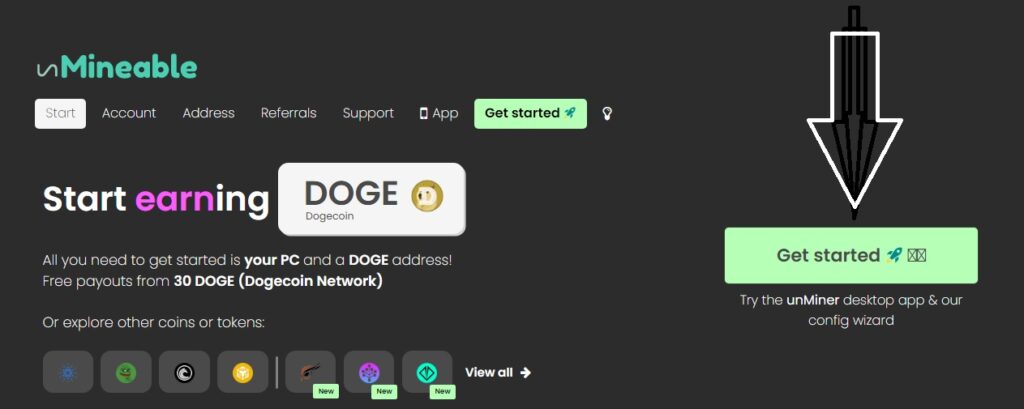
STEP TWO:
To download the application, click on the button, as shown in the screenshot.
(Unminer – 53.57 mb, Latest version )
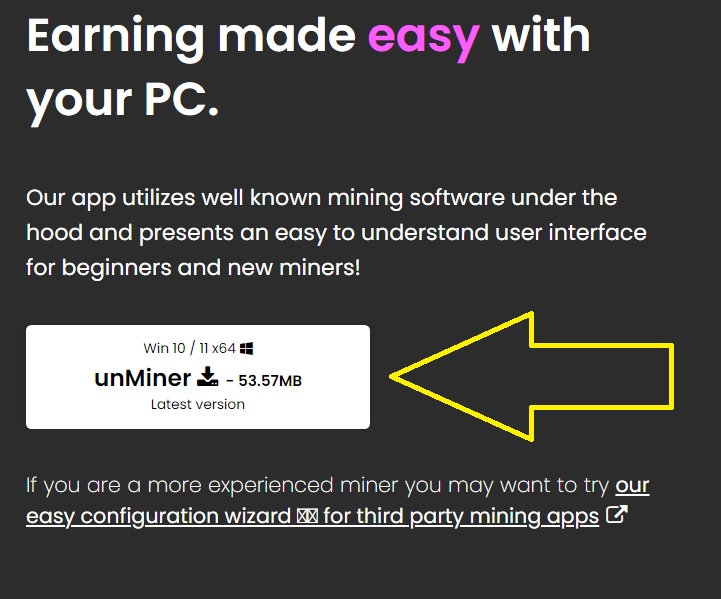
STEP THREE:
After downloading, run file, you can as administrator, select the installation folder and install the application. Before installation, disable your antivirus and Windows Defender.
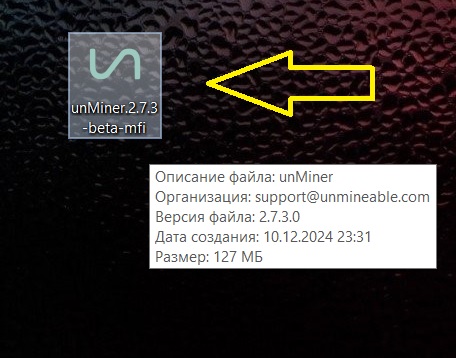
As a result, you will get an icon on your desktop, click on it and launch the applications
STEP FOUR:
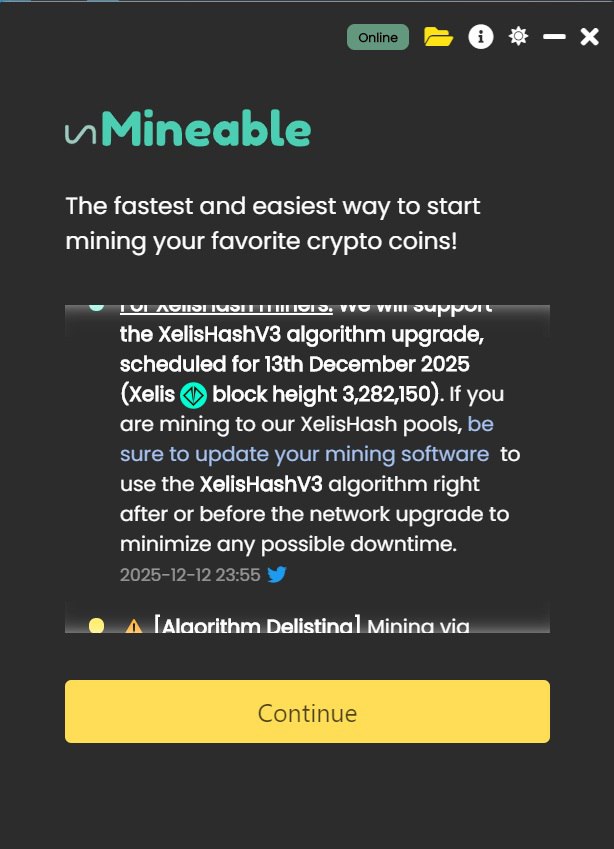
1) The application will open – click >> Continue
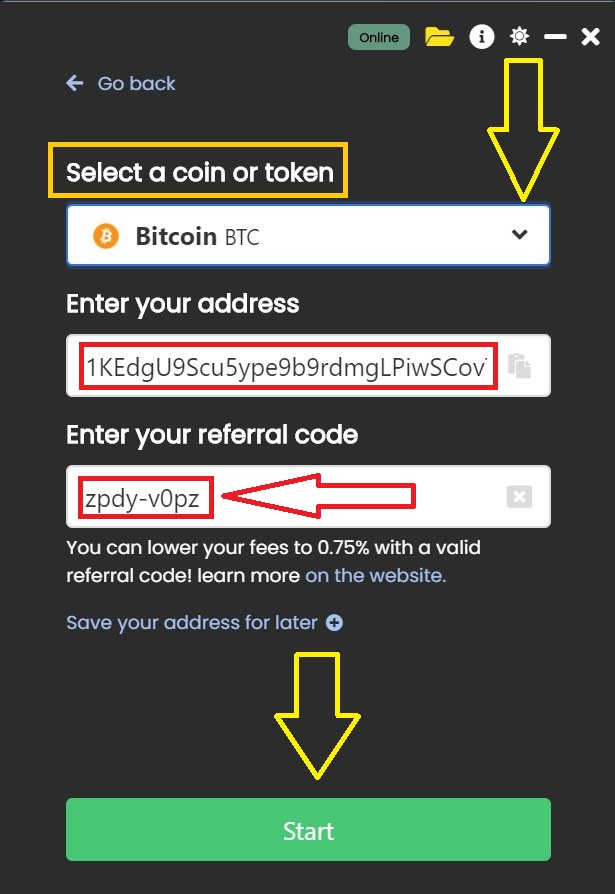
2) Select the coin or token you want to mine from the list (in my case BTC)
3) Now enter the address for Bitcoin (BTC)
In the field: “Enter your referral code” enter: zpdy-v0pz (this will reduce the mining commission and make it possible to earn more)
Now click >> Start
STEP FIVE:
Launch and configure the application
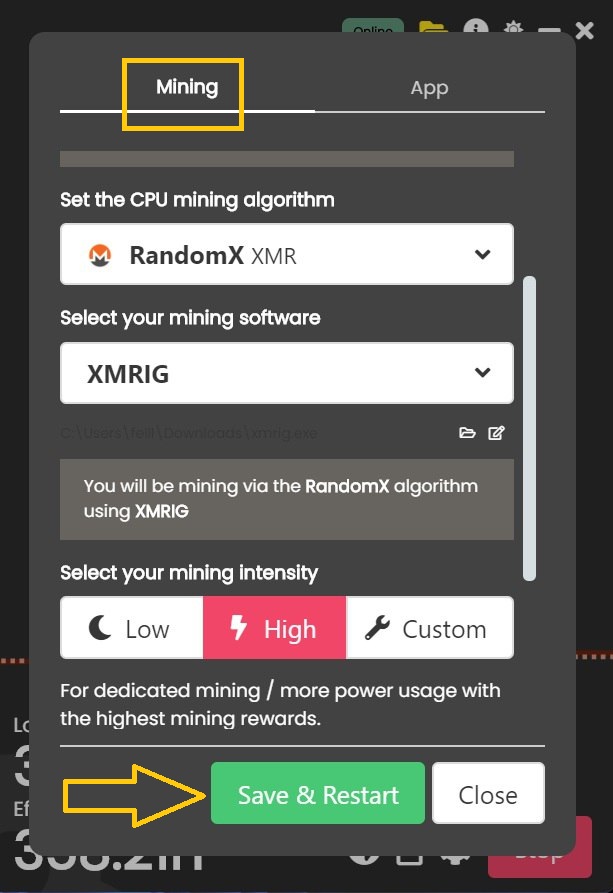
Immediately after starting the miner, open the settings in the lower right corner
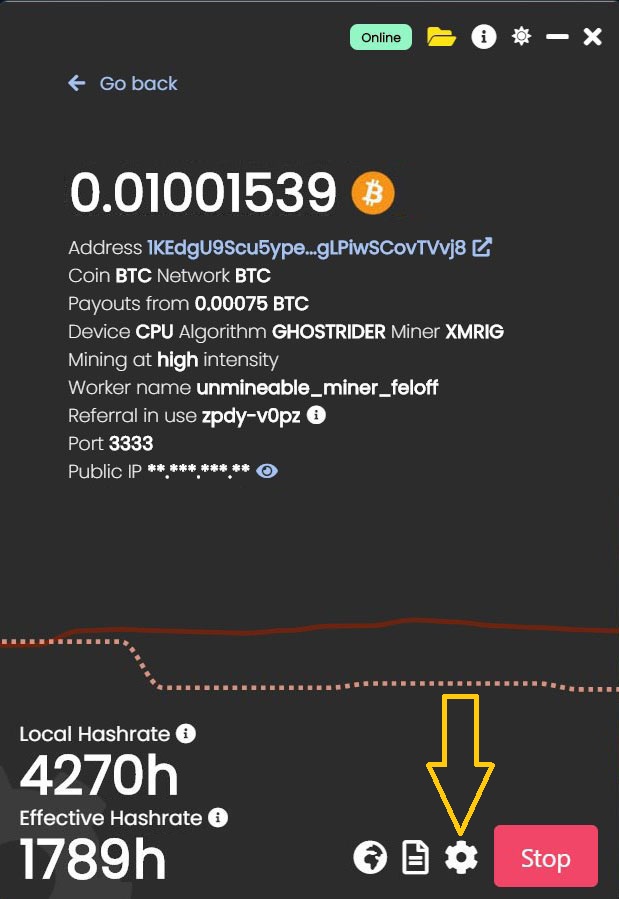
In the parameters that open, select at the top left: Mining settings – here you can set the mining power (I set both Low and High, with a break of 15 – 30 minutes) other settings can be left unchanged, after that, click: “Save“
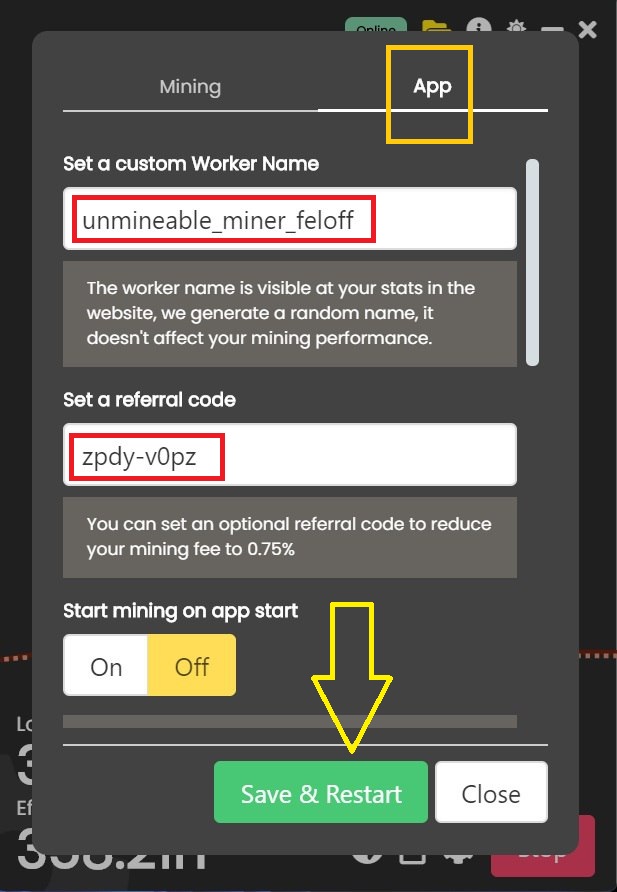
Now open the settings section “App settings” and enter the name of the worker: unmineable_miner_feloff (change feloff to your name)
In the field: Set a refferal code – enter: zpdy-v0pz (this reduces the mining fee and brings more income) After entering the data, save the changes – click: “Save“
STEP SIX: Withdrawal of funds:
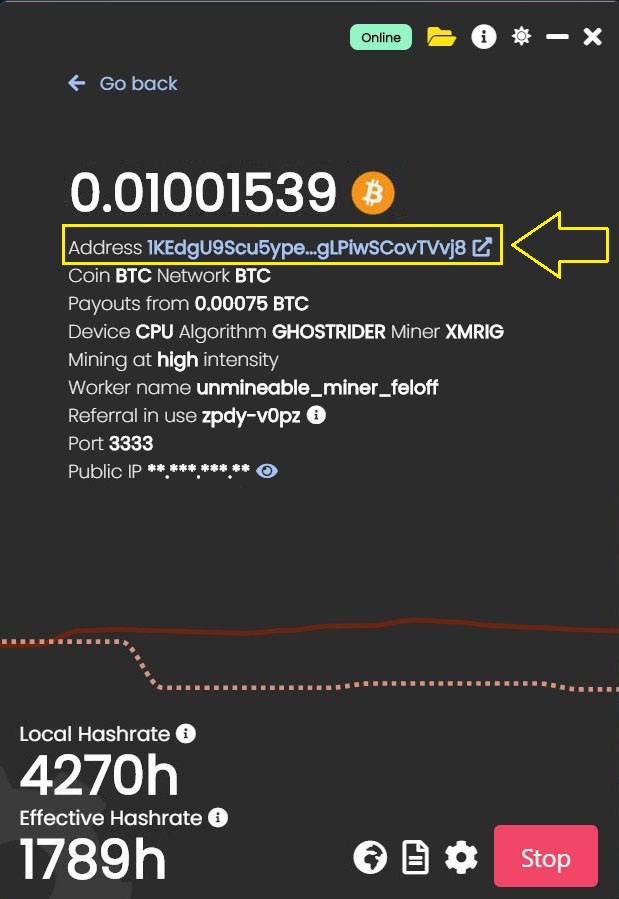
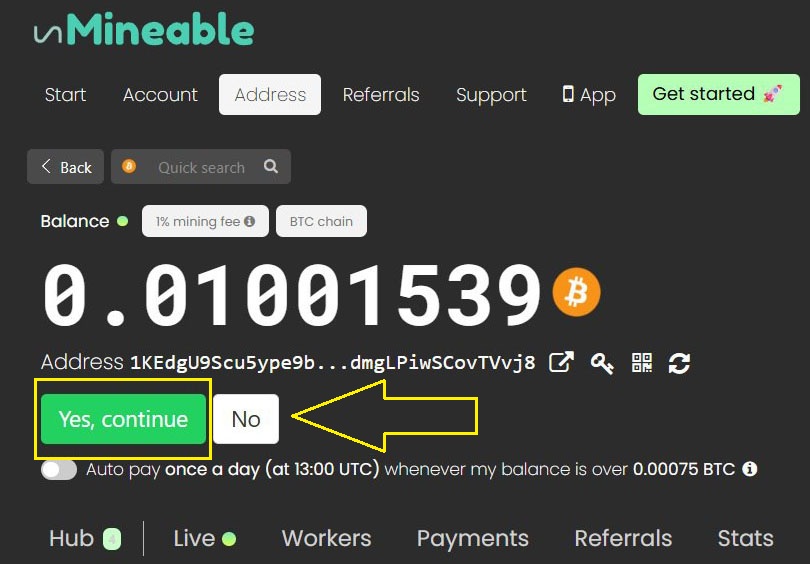
In the active application, under your balance – click on your BTC address – you will be redirected to the Unmineable website in your account.
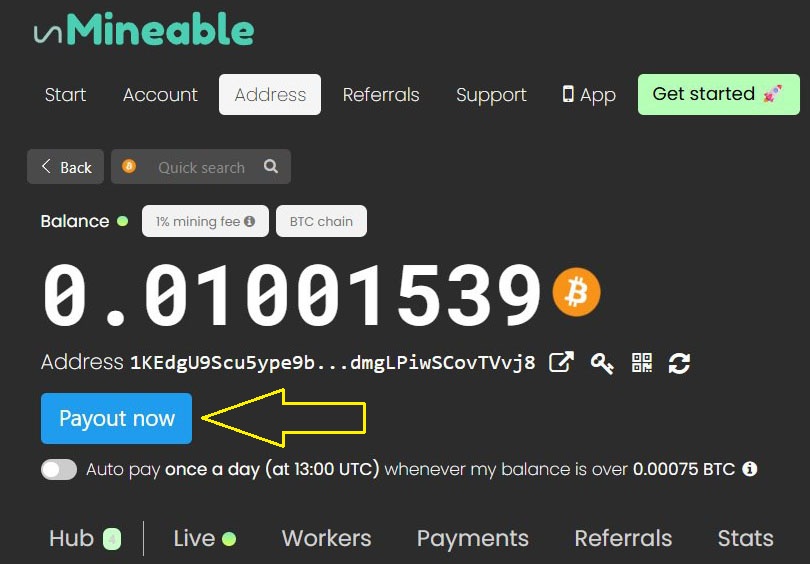
In your account you will find: your balance, referral link and statistics. Using the slider, activate auto-payment, withdrawals are made every 24 hours, – minimum amount for payment: 0.00075 Bitcoin (BTC)
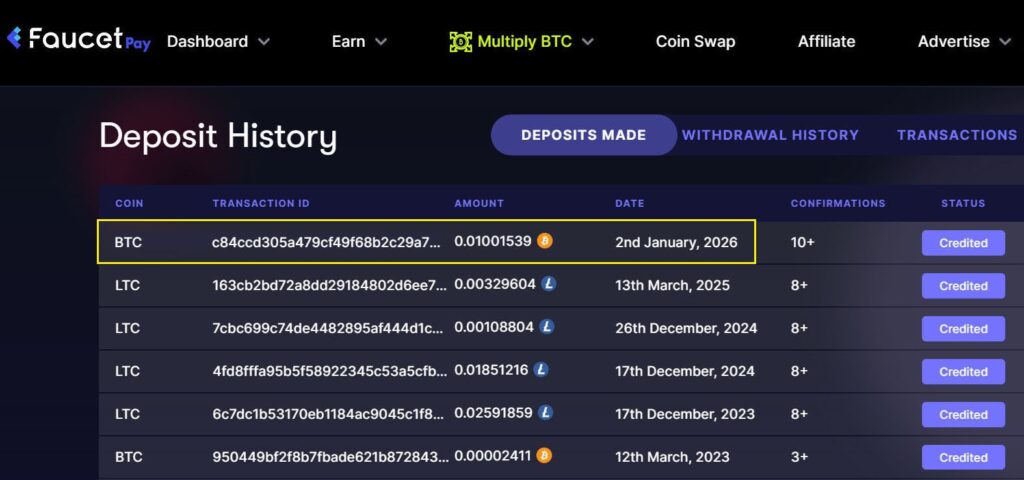
Kryptex mines cryptocurrency and pays you bitcoins or real-world money, be it dollars or any other currency.
Download Kryptex
Kryptex is a Windows app that pays you for the computing power of your PC.
We combine the processing power of thousands of computers to run complex distributed cryptocurrency computations. Mining cryptocurrency is hard. We’ve made things amazingly simple: just let Kryptex work in the background and we will pay you for the work your computer does.
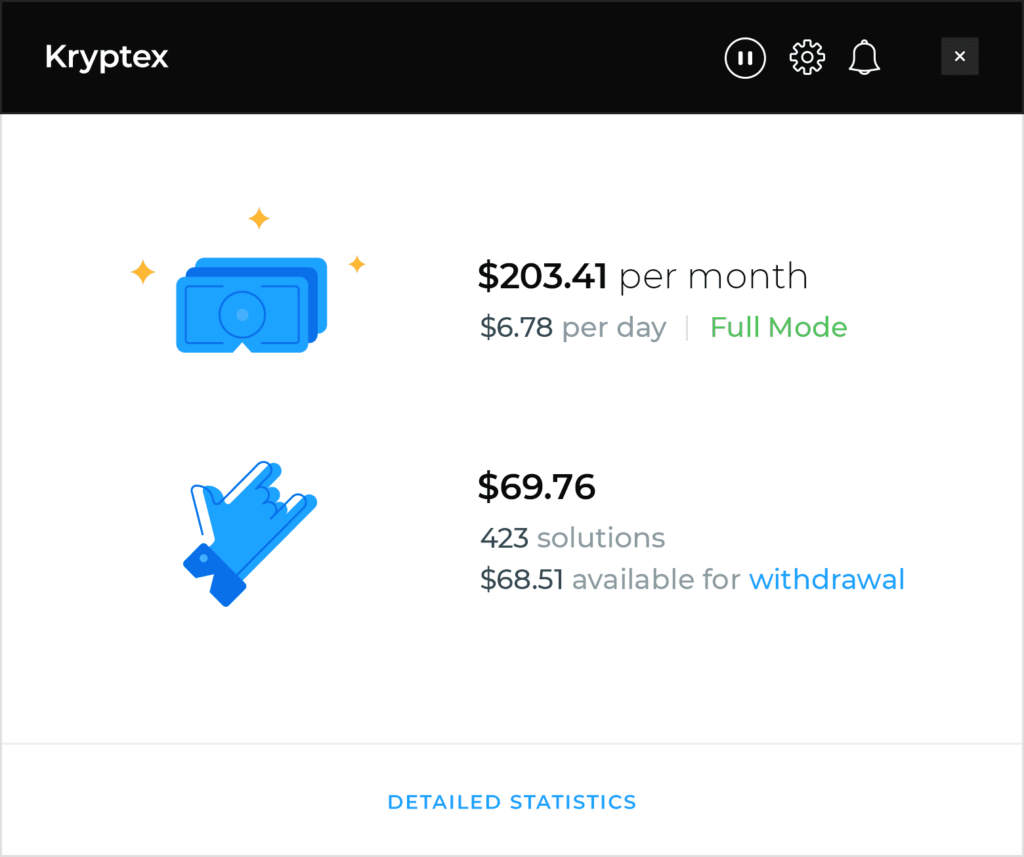
How much can I earn?
Gaming PC
≈ $100 per month
Mining Rig
≈ $350 per month
Mining Farm
≈ $266K per month
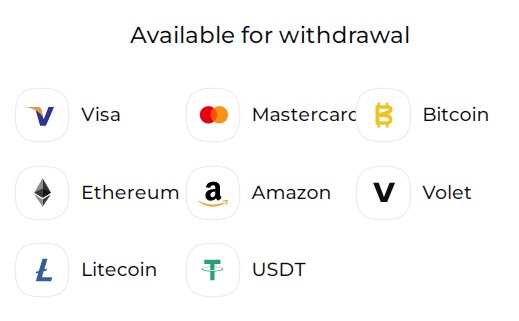
Withdraw bitcoins or send money directly to a bank card. The minimum withdrawal amount is just $0.5
Check out our international payout options. Want to get paid in another currency? No problem! We’ll pay you in bitcoins. You can then simply exchange bitcoins for your local currency.
How do I get started?
1) Download the app
Kryptex will test your PC’s performance and estimate expected earnings.
2) Create account
After signing up, you will have full access to your account.
3) Keep Kryptex running
Use browser and other apps while Kryptex is running in the background.
4) Get paid
You will start earning money the very same day you start mining.